Combining Voice, Camera Input and a Character Screen
EmotiToy is introducing the T5 Pocket AI Camera & Screen Toy Module as a development direction for portable AI companions, virtual-pet devices and interactive learning concepts. It combines a reflective screen, camera connection, audio hardware and physical controls within one integration brief.
The goal for an OEM/ODM project is to turn a hardware platform into a clear character experience: what the user can say, see and select, and how the device responds. The development configuration, firmware, enclosure and cloud services are agreed for the project rather than assumed to be identical across all toys.
A Different Approach to a Screen-Based Companion
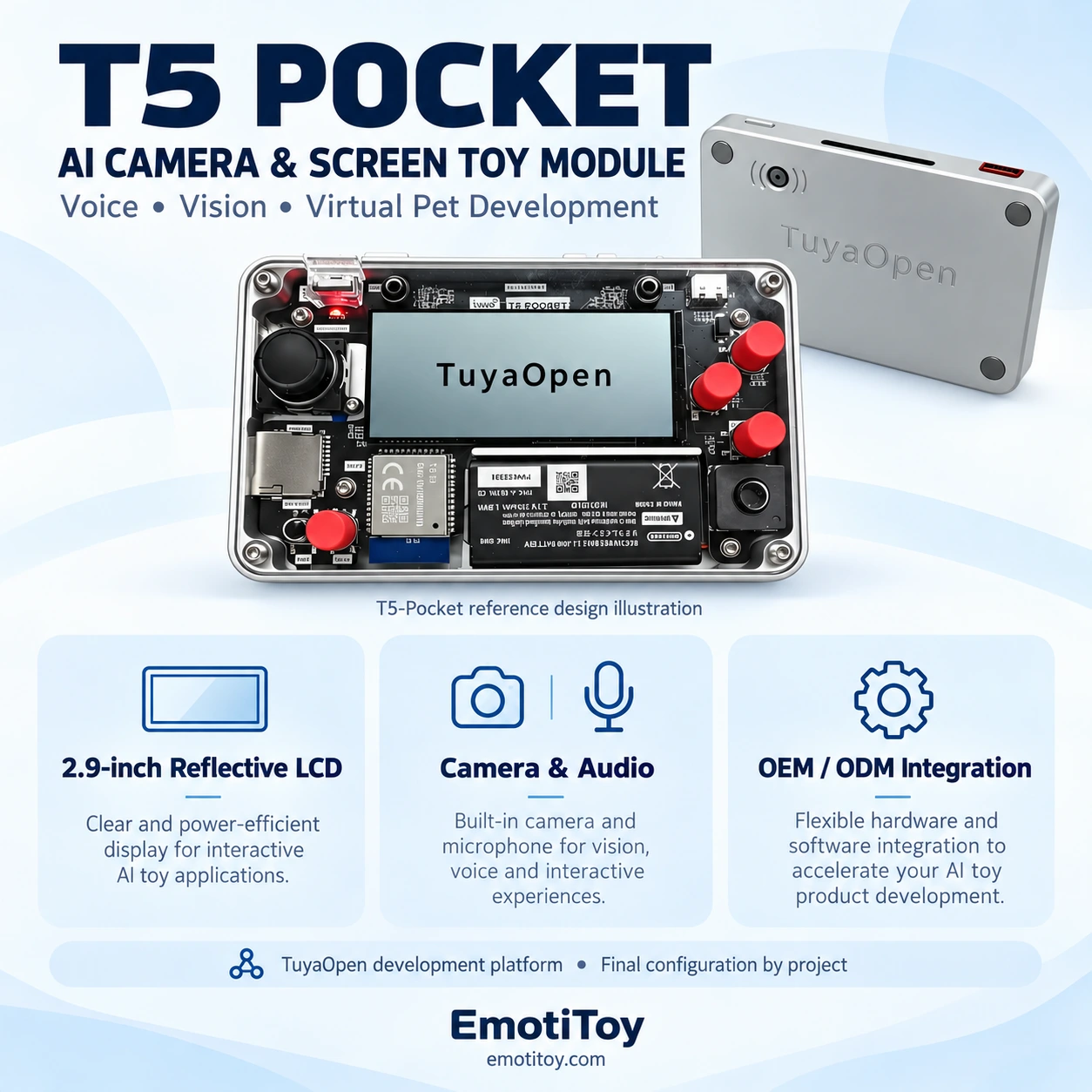
The reference platform uses a 2.9-inch reflective monochrome display with 384 × 168 pixels, alongside a T5-E1 controller, Wi-Fi and Bluetooth LE. Camera support uses a DVP interface; the reference hardware project lists a 2 MP camera. Audio, an X/Y joystick, buttons, motion sensing and MicroSD expansion provide additional development resources.
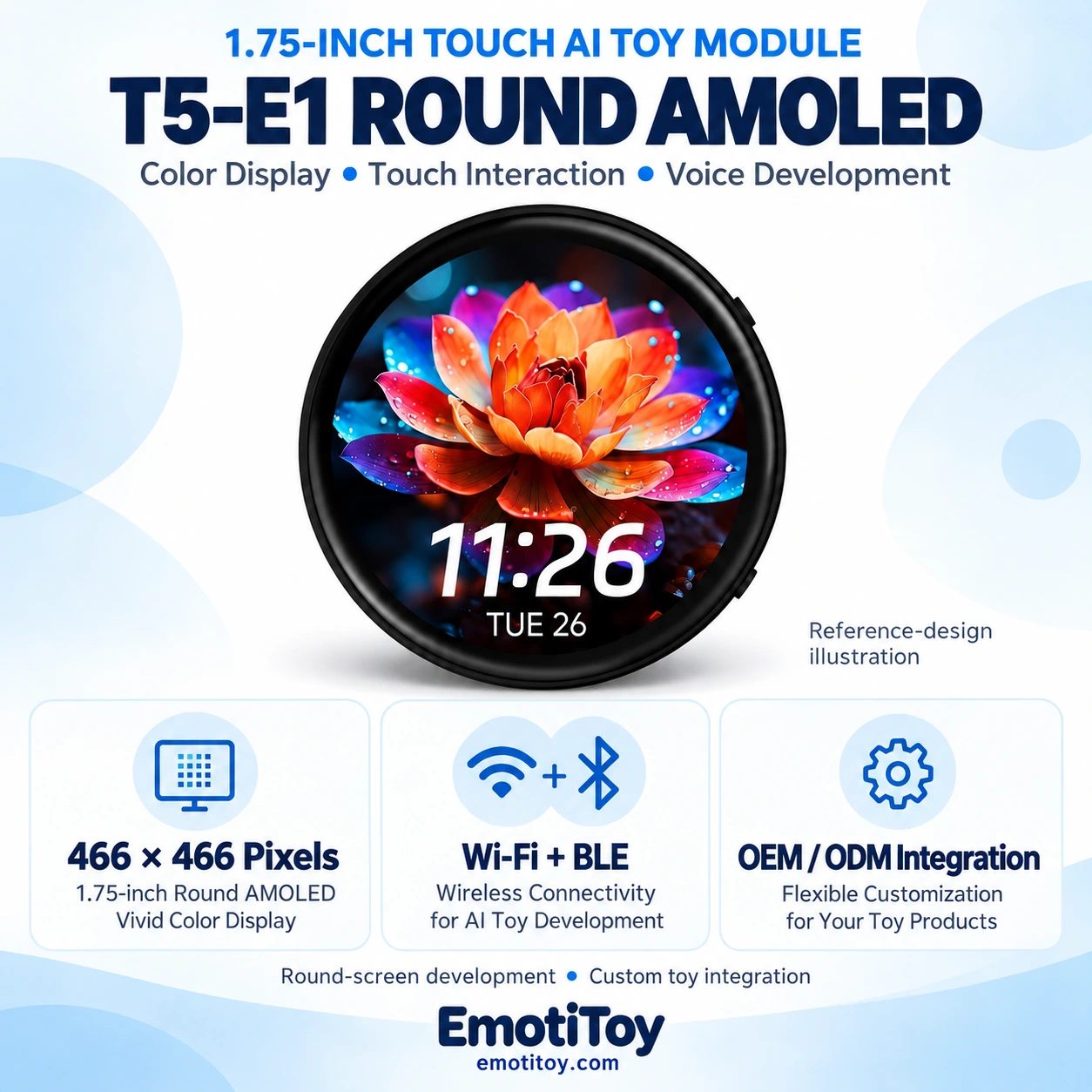
A monochrome reflective screen creates a different interface brief from a round color AMOLED display. Character artwork, menus and text should be designed for the chosen panel. A color-screen variant is a separate hardware and firmware configuration, not a change to an illustration alone.
Build the Character Around Real Activities
A pocket companion needs a reason for each interaction. A button can start an approved activity, the joystick can select a menu item, and the screen can show the current state. Voice feedback can explain what happened without requiring the user to read every screen.
Potential development activities include a character conversation, a simple virtual-pet routine, an approved local game or a defined camera-assisted learning task. These are application directions. The actual feature set must be implemented and reviewed on the sample.
| User activity | Hardware involved | Development decision |
|---|---|---|
| Select an activity | Joystick, buttons and display | Menu structure and control mapping |
| Start a voice interaction | Microphones and speaker | Activation, language and response behavior |
| Capture an image | Camera and capture control | Image task, indicator and data handling |
| Show character feedback | Display and UI assets | States, animation timing and readability |
| Use local content | Storage and application software | Approved files and offline behavior |
Define the Camera Task Precisely
A camera input opens possibilities for an image-based interaction, but the intended task must be specific. For example, the brief might ask the user to press a button to capture an object and receive a configured response.
Define when capture occurs, how the user knows it is active, where the image is processed and whether it is retained. Review the lens opening, lighting conditions and response quality using the selected hardware and backend together.
A camera interface does not automatically establish tested identity recognition, expression recognition or continuous video conversation. Each requested capability needs its own implementation and acceptance criteria.
Make Voice, Screen and Controls Work Together
Agree how the user starts speaking, how the screen indicates listening and how a reply is presented. Decide whether menus remain available during audio playback and how the device handles an interrupted activity.
Online dialogue requires a configured service and connection. Local prompts, menus and selected games are separate from cloud-generated answers. Language testing, voice selection, account setup and service charges belong in the commercial and engineering scope.
The enclosure should be designed alongside the audio path. Microphone openings, speaker mounting, internal space and charging access affect the finished experience. Test the complete sample for sound clarity, feedback and response timing.
Connectivity and Power Are Product Decisions
Wi-Fi suits a known network environment. A cellular configuration adds modem selection, antenna design, SIM provisioning, operator compatibility and service costs. Cellular support in a reference design does not establish worldwide coverage or mean that a modem is included in every sample.
Battery capacity and runtime should follow the agreed interaction pattern: screen use, audio playback, network activity and camera capture all affect the power brief. Confirm the selected battery, charging arrangement and sample test conditions before making a runtime commitment.
OEM / ODM Development Scope
EmotiToy can scope a project around character UI, control mapping, audio integration, camera placement, enclosure development and sample preparation. The quotation defines the hardware revision, accessories, firmware deliverables and production responsibilities.
A useful starting brief includes:
- The character concept, artwork and intended user.
- Required voice and image-based activities.
- Menu language and physical controls.
- Backend, target market and connectivity requirements.
- Target product size, quantity and packaging.
- Working-sample acceptance criteria.
The reference platform is a development starting point. It does not mean an existing standard AI toy can accept the same firmware or that every proposed capability is already validated for production.
From Concept to an Approved Configuration
Begin with a limited, testable interaction flow. Prepare a sample, review the display and controls, test voice and camera tasks, and check network recovery and power behavior. Approve the enclosure and final feature specification before defining production checks and packaging.
Contact EmotiToy with your intended activity, artwork, target market and quantity to discuss a camera-and-screen toy development project. The article cover is a reference-design illustration, not a photograph of an independently validated EmotiToy production unit.